

Showing a low stock count can increase sales, but only under specific conditions: the scarcity has to be real, and the number has to be specific. A vague “selling fast” banner barely moves behavior. A literal “only 3 left,” tied to actual inventory, does, because it removes the reader’s uncertainty about whether the scarcity is genuine. We don’t run controlled A/B tests across every store using Hey!Scarcity Low Stock Counter, so what follows is directional, not a lab result, backed by what merchants running it actually report.
In this post:
- Does low stock increase sales? The short answer
- Why scarcity messaging works
- When it backfires
- What merchants running Hey!Scarcity report
- How to display low stock without it feeling manipulative
- Setting this up on your Shopify store
- FAQ
Does Low Stock Increase Sales? The Short Answer
Yes, but conditionally. Does low stock increase sales for every product, on every store, all the time? No. It works when three things are true at once: the number shown is real, it’s specific rather than a vague claim, and the product genuinely could sell out. Take those away and the effect flattens or reverses, a shopper who sees “low stock” on 40 different products in the same store stops believing any of them.
So does low stock increase sales in the way most merchants hope, as a blanket urgency switch you flip once and forget? Not quite. It’s closer to a targeting decision: which products actually run low, and how do you say so credibly.
Why Scarcity Messaging Works: The Psychology in One Paragraph
Scarcity works because people weight potential loss more heavily than potential gain, the same reason a countdown timer on a sale feels more urgent than a plain discount percentage. A specific stock number does two things a generic “popular item” badge doesn’t: it gives the shopper a concrete reason to act now instead of later, and it signals, correctly or not, that other people are already buying. That second part is why does low stock increase sales as a question can’t really be separated from social proof, a low count implies demand.
Why does a number matter more than a word? Because “low stock” is a claim, and “3 left” is a fact the shopper can mentally verify against their own experience of the product selling out before. Specificity is what makes the claim believable, not the word choice. The same logic applies to creating urgency on Shopify more broadly, and to showing quantity available on a product page: specific numbers outperform vague claims every time.
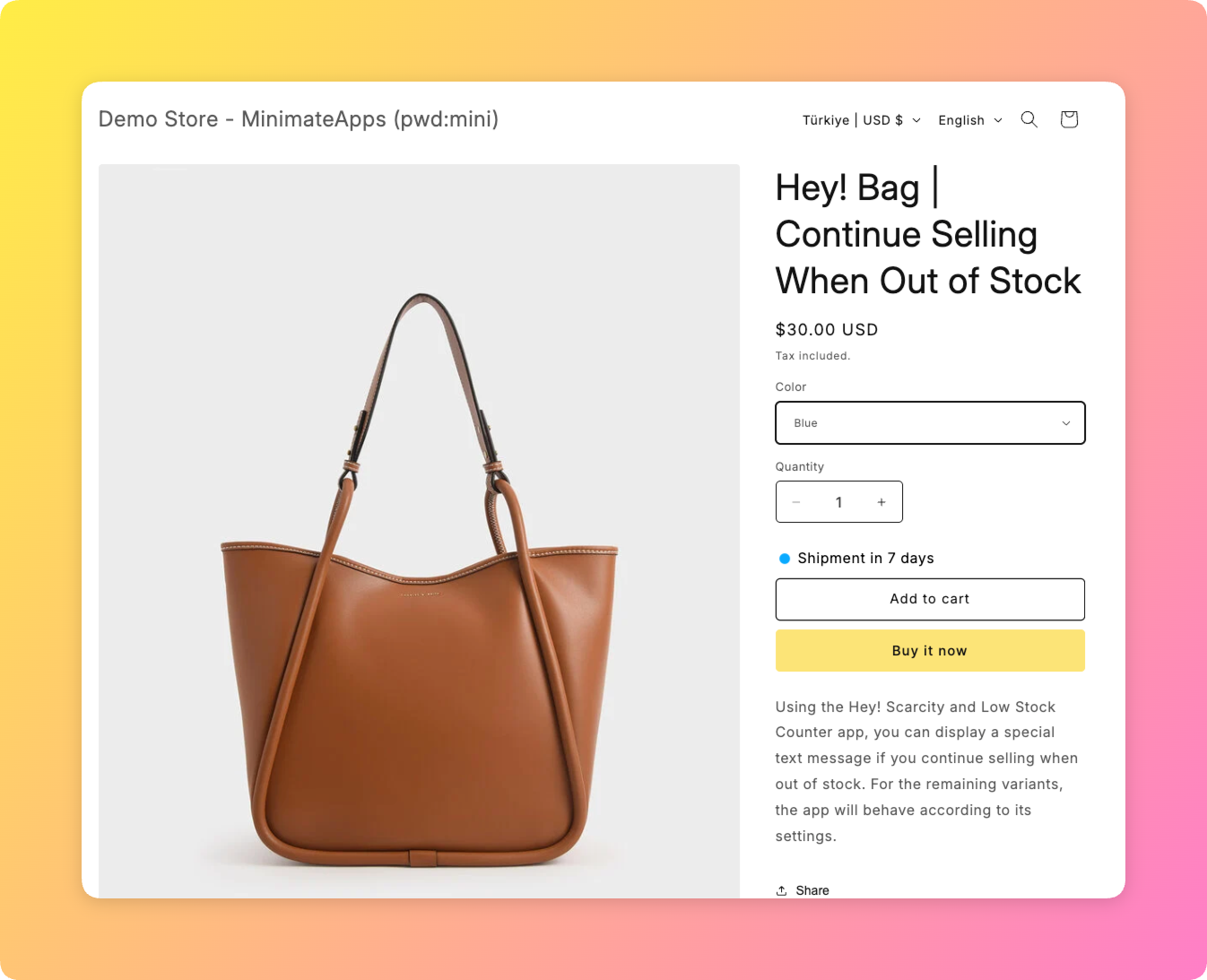
When It Backfires: Fake Urgency and Stock That Never Runs Out
Here’s the case against a blanket answer to does low stock increase sales: it backfires the moment a shopper catches the store in an inconsistency. Say a product has shown “low stock, only 4 left” for six straight weeks, restocking to the same number every time it’s checked. That’s not urgency anymore, it’s a pattern, and shoppers notice patterns faster than merchants expect.
| Signal | What Happens | Why |
|---|---|---|
| Real, specific, occasionally-refilled stock | Shoppers act faster | The number feels earned and checkable against reality |
| Constant “low stock” on everything, or counts that never sell out | Shoppers tune it out or distrust the store | Scarcity fatigue sets in once the claim stops matching outcomes |
The honest gripe here, even about our own product: a merchant can set a fake or manual stock number in Hey!Scarcity Low Stock Counter, and nothing stops them from leaving it static forever. That’s a real feature, useful for products where live inventory data is messy, but it’s also the exact setup that erodes trust if it’s left unchanged for months.
What Merchants Running Hey!Scarcity Report, In Their Own Words
We build the exact widget that shows this number on product pages, so we hear from both sides: merchants who swear by it, and merchants who turned it off because it started to feel gimmicky on a store that never actually sold out of anything.
“The application itself is incredibly useful to allow our customers know which items are in-stock which greatly boosts our conversions, which is especially necessary when we’ve just restocked and want to clear inventory fast!”
Source: D’zage Designs, Hong Kong SAR (Shopify App Store review)
Notice what that quote is actually describing: a restock moment, not a permanent state. The merchant isn’t claiming every product is always low, they’re using the counter tactically, right after a restock, to move inventory before it sits. That’s the pattern behind most of the positive reports we see, targeted use, not blanket urgency.
How to Display Low Stock Without It Reading as Manipulative
Three practical rules keep this credible. First, tie the number to real inventory wherever you can, reserve fake or manual stock for products where live counts genuinely aren’t reliable. Second, set a threshold, don’t show the counter at 40 units left, show it once inventory actually gets low, commonly under 10. Third, let it disappear when stock isn’t low, a counter that only shows up sometimes is more believable than one that’s always on.
A concrete example: a store selling 400 SKUs turns on low stock messaging store-wide with a threshold of 5 units. Within a week, roughly 15 products are showing the counter at any given time, the rest stay silent. That variability, some products flagged, most not, is what makes the flagged ones convincing.
Setting This Up on Your Shopify Store
Hey!Scarcity Low Stock Counter reads your real Shopify inventory by default and displays a threshold-based message on the product page, no manual number entry required unless you choose fake stock mode. Set your threshold in the app dashboard, choose whether it applies to collection pages as well as product pages, and the counter follows your actual stock from there. Shopify’s own inventory tracking documentation is worth reading first if you’re not sure whether your store is tracking quantity per variant, since the counter can only be as accurate as the underlying inventory data.
If you’re weighing this against general urgency tactics rather than stock-specific ones, our guide on how to create urgency on Shopify covers the wider toolkit. For copy and phrasing specifically, see how low stock messaging should read on the page itself.
Frequently Asked Questions
- 1. Does showing low stock increase sales on Shopify?
- Yes, when the number is real, specific, and tied to a product that genuinely could sell out. It’s far less effective, and can backfire, when used as a blanket claim across every product regardless of actual inventory.
- 2. Is low stock messaging just a marketing trick?
- It can be, if the number is fake and never changes. Used with real or accurately-simulated inventory and a sensible threshold, it’s closer to information than a trick.
- 3. Can showing fake low stock backfire on a store?
- Yes. A static “only 3 left” that never changes over weeks or months reads as dishonest once a shopper notices the pattern, and it can damage trust in the store’s other claims too.
- 4. How low does inventory need to be before showing a low stock warning?
- Most stores set the threshold under 10 units, commonly 3 to 5. The right number depends on typical order volume for that product; a store selling 50 units a day needs a higher threshold than one selling 2.
- 5. Does low stock messaging work for every type of product?
- No. It works best on products with real purchase urgency, seasonal, limited-run, or genuinely popular items. On evergreen staples that always restock quickly, it tends to have little effect either way.
- 6. Can I use a manual or fake stock level instead of real inventory data?
- Yes, Hey!Scarcity Low Stock Counter supports a manual stock mode for cases where live inventory data isn’t reliable. It’s most credible when the number still changes periodically rather than staying fixed indefinitely.



